


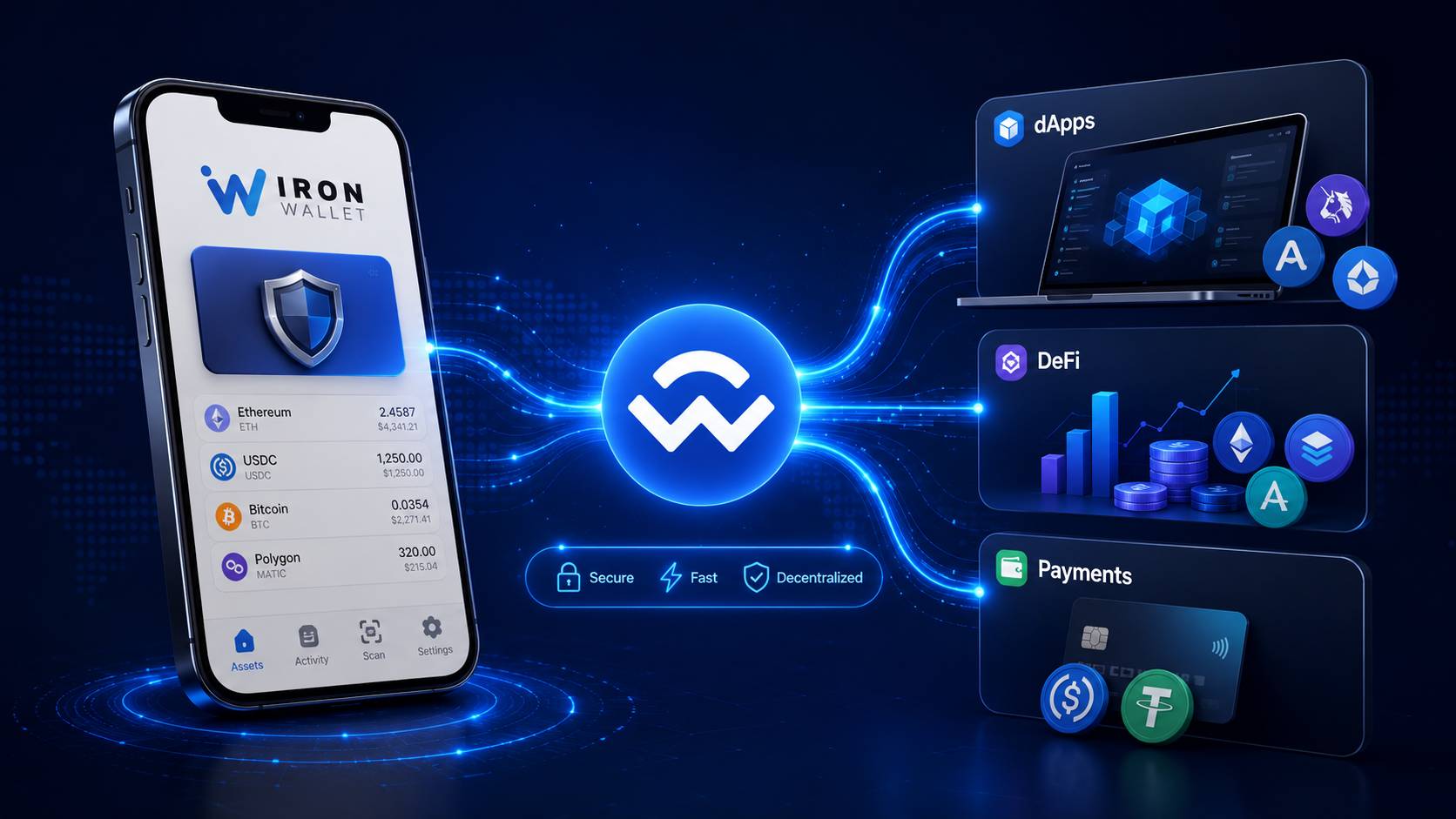
WalletConnect runs as the encrypted bridge between IronWallet and the wider Web3 ecosystem, supporting connections to 70,000+ applications across multiple blockchains. The protocol now spans 700+ wallets and 55.5 million active users, processing over $400 billion in network volume during 2025.
For IronWallet users, WalletConnect opens access to DeFi platforms, NFT marketplaces, and decentralized exchanges without exposing private keys.
Using WalletConnect with IronWallet preserves self-custody at every step, and the IronWallet WalletConnect integration extends across dApps, DeFi protocols, and the new WalletConnect Pay retail layer.
The sections ahead cover what WalletConnect is, how to connect IronWallet to a dApp, how WalletConnect Pay extends the protocol to retail purchases, and the security practices that keep both flows safe.
What WalletConnect Is
WalletConnect launched in 2018 as an open-source protocol designed to link mobile crypto wallets to decentralized applications. The protocol creates an encrypted session between the wallet and the dApp, with all communication end-to-end encrypted and chain-agnostic.
Private keys never leave the wallet. The dApp can request signatures for specific transactions, but every action requires explicit user approval inside the wallet app. No automatic transfers, no background permissions, no key exposure.
Scale matters for understanding why the protocol became the Web3 standard. WalletConnect supports more than 700 wallets globally, including IronWallet, MetaMask, Trust Wallet, Safe, Phantom, and Coinbase Wallet.
The protocol routes traffic to over 70,000 applications across major blockchains: Ethereum, BNB Chain, Polygon, Base, Arbitrum, Optimism, Solana, and others.
Why WalletConnect Matters for IronWallet Users
Self-custody is the first reason. IronWallet keeps private keys on the device with double key encryption, and WalletConnect preserves that custody model. A WalletConnect dApp connection doesn't grant the dApp any access to keys or stored funds. The user approves every action.
Mobile-first design pairs naturally with WalletConnect's QR-code session flow. IronWallet runs on iOS and Android as a WalletConnect mobile wallet built around exactly that form factor.
Multi-chain coverage matches the ecosystem WalletConnect spans. IronWallet supports Tron, Ethereum, Solana, BNB Chain, Polygon, Base, and several other networks.
The user can connect to a dApp on any of these chains through the same WalletConnect session, without switching wallets or downloading separate apps.
How to Connect IronWallet to a dApp
Knowing how to use WalletConnect with IronWallet comes down to a five-step WalletConnect setup flow.
The connection takes about thirty seconds for users familiar with the steps. IronWallet routes WalletConnect through the Settings menu instead of placing a scan button on the home screen.
-
Open the dApp on a browser. Most dApps have a "Connect Wallet" button. Tap or click it.
-
Select WalletConnect from the connection options. A QR code appears on screen. If using IronWallet on the same device as the browser, a direct deep link is sometimes offered instead.
-
Open IronWallet, go to Settings, tap WalletConnect, then tap Scan QR code. This is where IronWallet's flow differs from wallets that put the scanner on the home screen. The Settings → WalletConnect path keeps dApp connections organized and visible alongside other connection management.
-
Scan the dApp's QR code. IronWallet's camera reads the code and prepares a connection request.
-
Review the connection request, then approve. The screen shows which dApp is requesting connection, what networks it wants access to, and what permissions it's asking for. Approve only if the request matches the dApp the user opened.
Return to the dApp. The connection is live, and the user can now interact with the dApp directly from IronWallet.
Paying With WalletConnect Pay From IronWallet
WalletConnect Pay sits on top of the WalletConnect protocol as a dedicated payments layer. The product launched into general availability in January 2026 through a partnership with Ingenico, the global leader in payment acceptance, whose terminals now support stablecoin payments at retail checkouts across 32 countries.
IronWallet supports WalletConnect Pay natively. Users with stablecoin balances can pay at merchants accepting the standard through a two-step flow:
-
Scan the merchant's QR code at the point of sale or in the online checkout
-
Confirm the payment in IronWallet, with the token and network selected by the user
The payment completes on-chain in seconds, with the merchant's payment provider receiving the transaction result and the customer receiving confirmation.
Supported stablecoins include USDC, USDT, EURC, and BNB on BNB Smart Chain. Networks live on the rail include Polygon, Base, Arbitrum, Ethereum Mainnet, BNB Smart Chain, and additional EVM-compatible chains, with more planned.
Compliance handling runs on the rail side, not the wallet side. Travel Rule data transmission, OFAC and EU sanctions screening, and IP geo checks execute pre-payment on every transaction, with returning users skipping data capture entirely. The user-side experience stays the same shape regardless of what compliance work happens behind the scenes.
WalletConnect Pay partners include Coinbase, Stripe, Shopify, BitPay, MoonPay, and Mesh, alongside Ingenico's POS terminal network. Merchant categories covered include retail, hospitality, transportation, fuel, parking, vending, and self-service.
Security Practices for WalletConnect Sessions
WalletConnect security rests on two layers: protocol-level encryption protects the connection itself, and user vigilance protects against everything else.
Five practices keep both WalletConnect and WalletConnect Pay sessions safe:
-
Verify dApp URLs before connecting. Phishing sites mimic legitimate dApps with slight URL differences such as extra letters, swapped characters, or similar-looking domains. The connection itself is encrypted, but a malicious dApp can still request harmful transaction approvals.
-
Review every transaction inside IronWallet before approving. Check the recipient address, the amount, the token, the network, and the fee. A connected dApp can request signatures; only the user can grant them.
-
Disconnect sessions when finished using a dApp. Active WalletConnect sessions persist until explicitly closed, leaving permission for future signature requests. Closing unused sessions reduces the attack surface.
-
Monitor unexpected permission requests. A dApp that connected for one purpose should not later ask for access to networks or tokens it has no reason to touch. Sudden permission expansions warrant disconnection and review.
-
Keep IronWallet updated. Wallet updates include WalletConnect SDK upgrades, security patches, and compatibility fixes for evolving dApp standards.
-
Confirm payment details on WalletConnect Pay flows. At the point of sale or online checkout, verify the merchant name, the amount, the token, and the network before approving. The same vigilance that protects dApp signatures protects payments.
Managing Active WalletConnect Sessions in IronWallet
Active sessions live in the Settings → WalletConnect menu. The screen lists every dApp currently connected, when the session started, and what permissions each session holds.
Disconnect individual sessions by selecting the dApp and tapping disconnect. Clear all sessions at once through the same menu when doing a clean reset.
Regular audits help. Reviewing the active session list weekly, or after each major Web3 interaction, prevents stale connections from accumulating. Unrecognized sessions should be disconnected immediately, and the recent transaction history should be reviewed for any unauthorized signatures.
Conclusion
WalletConnect with IronWallet delivers two distinct capabilities through the same underlying protocol. The dApp connection flow opens access to DeFi, NFTs, and decentralized governance across 70,000+ applications, with private keys staying on the device.
WalletConnect Pay extends the protocol into retail commerce, letting IronWallet users spend stablecoins at physical merchants and online checkouts through a scan-and-confirm flow. One protocol, two use cases, both built on the same self-custody model that defines IronWallet itself.
Disclaimer: This article is provided for informational purposes only. It is not offered or intended to be used as legal, tax, investment, financial, or other advice.