

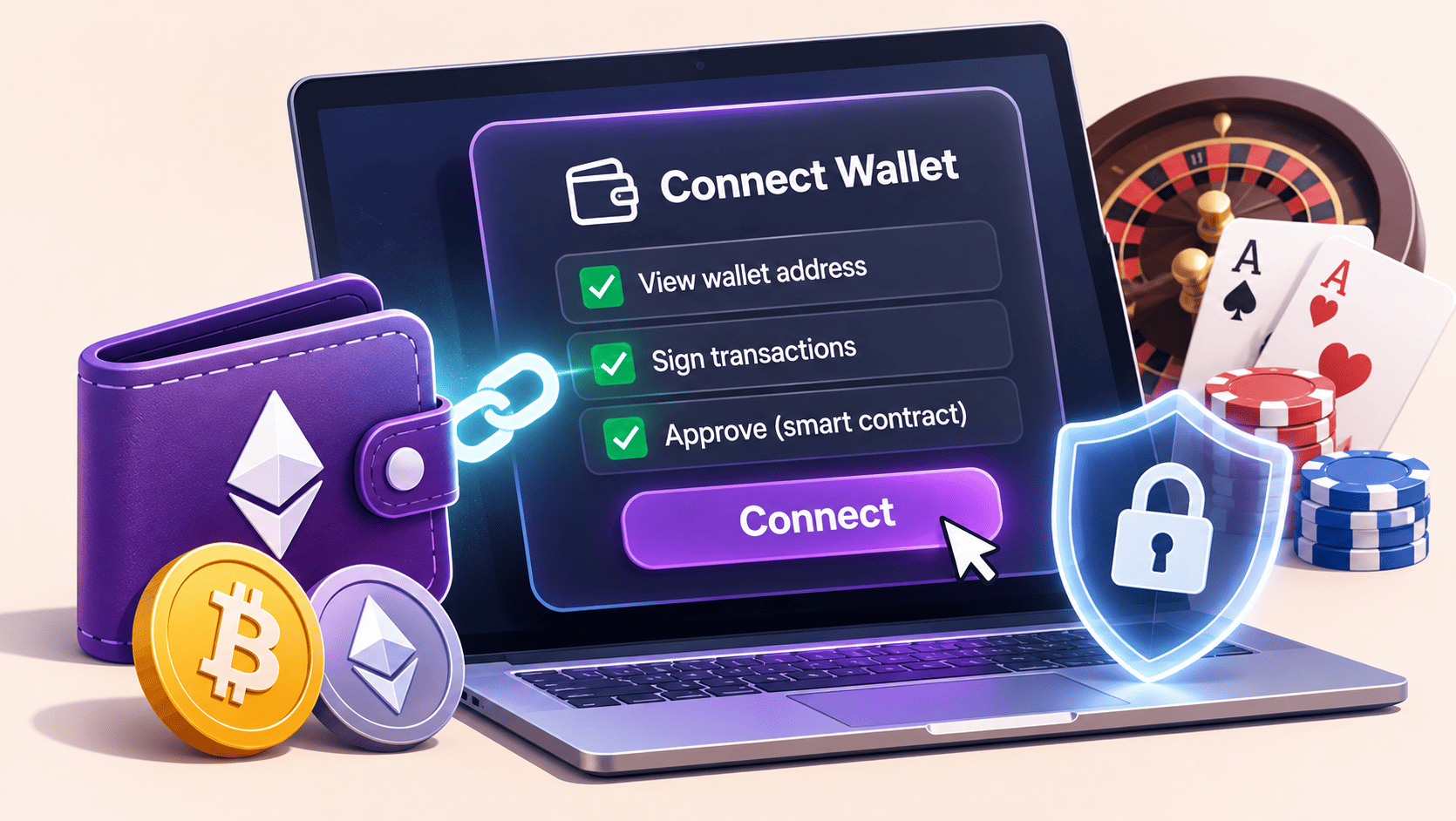
Wallet connections at Web3 casinos usually start with a simple request to share an address. Later prompts can ask for much more, from a signed login message to permission for a contract to move tokens.
Those requests look similar in a wallet pop-up, yet they pose very different risks. Connections reveal an address, signatures prove ownership and token approvals let a contract spend funds up to a set limit.
The sections below explain each type of wallet request, what it allows and how to review or revoke permissions after playing.
Wallet Requests Compared
Wallet pop-ups fall into a few main types, and the table shows what each one permits.
|
Request |
What it does |
Risk level |
|
Connect |
Shares the wallet address with the site |
Low, reveals public activity |
|
Sign message |
Proves ownership, often for login |
Low if the text is readable |
|
Send transaction |
Moves funds once, such as a deposit |
Depends on the amount |
|
Token approval |
Lets a contract spend a token up to a limit |
High if the limit is unlimited |
|
Permit signature |
Grants an approval through a signature |
High, easy to miss |
Last verified: November 2026
Approvals deserve the most attention. OpenSea's help centre notes that many dApps request unlimited spending and that a spending limit reduces the risk that a malicious actor drains tokens, with tools such as Etherscan's checker available to revoke old approvals.
Signatures and Login Messages
Signature requests prove control of an address without moving funds, which is why many casinos use them for wallet login. Readable text describing a login is normal, while unreadable data or a permit request deserves a second look.
Connection permissions differ by platform, as a guide to what a wallet connection permits at crypto casinos explains.
Token Approvals and Spending Caps
Token approvals let a smart contract move a specific token from the wallet without a new prompt each time. Unlimited approvals stay active until revoked, so a compromised contract could drain the full balance of that token.
Custom spending caps limit that exposure. Casino and betting contracts differ in what they handle on-chain, as a look at smart contracts at Web3 casinos explains.
Old Approvals and Revokes
Approval checkers list every active permission for an address and let the owner revoke each one. Revokes cost a small network fee, so clear unused approvals in batches now and then.
Habits That Protect a Casino Wallet
Keep only playing funds in the wallet used for casino sessions, and store larger holdings elsewhere. Separate funds between a hot wallet and a cold wallet to limit what any single approval can reach.
Read every pop-up before confirming, check the contract address against the casino's official pages and reject requests that do not match the action you started.
Dexsport's Wallet Connection Terms
Dexsport connects six wallets, including MetaMask, TronLink, Trust Wallet and WalletConnect, through a partner integration. Dexsport's terms state that the wallet stays user-owned and that the platform is not responsible for private keys.
Actions taken from a connected wallet bind the user under Dexsport's terms, including actions by a third party given access. Dexapp LTD holds the platform's Anjouan licence, and KYC or AML checks may apply.
Conclusion
Wallet requests at Web3 casinos range from sharing an address to granting a contract permission to spend tokens. Connections and readable login signatures pose little risk, while unlimited token approvals and permit signatures deserve close attention.
Caps on spending and regular revokes limit exposure, and separate wallets keep larger holdings out of reach. Dexsport connects six wallets through a partner and states in its terms that actions from a connected wallet bind the user.
Review your active approvals after each session. Gambling law varies by country, so check yours, play only at legal age and remember that KYC or AML checks may apply.
Disclaimer: The information here is provided for general purposes only and is not legal, tax, investment, or financial advice. Wallet features, approval types, platform terms and licences change over time and vary by country, so check each casino's current terms and your wallet's settings before you connect. Crypto transactions are irreversible. Gambling involves risk, and rules vary by country, so check the law where you live. Please play responsibly, within your means, and only if you are of legal age.